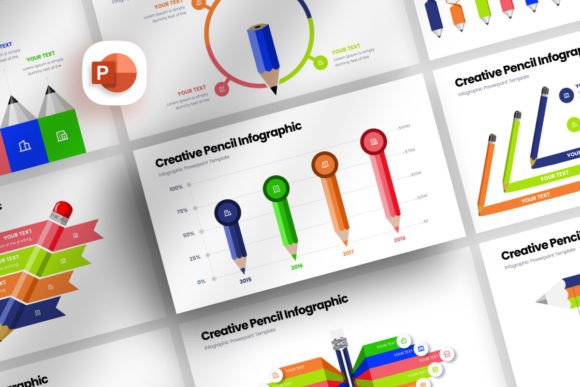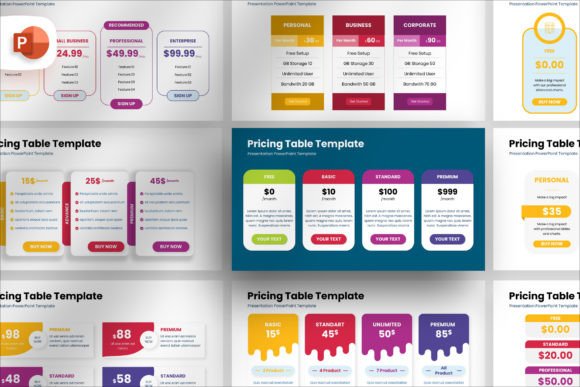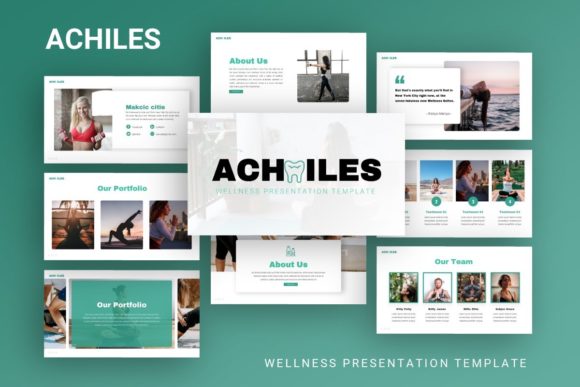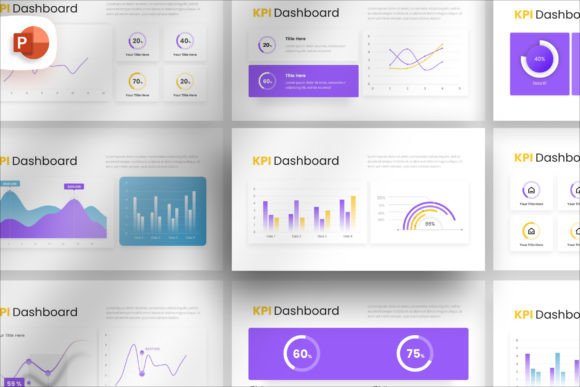
Visualizing Data with Creative Layer Infographic Presentation
In the world of business communication, a wall of text is often a wall of silence. Whether you are pitching to investors, onboarding new team members, or explaining a complex workflow, clarity is king. The Creative Layer Infographic Presentation is designed specifically to break down these barriers. It is not just a set of slides; it is a structured asset that transforms abstract data into a coherent visual narrative. For professionals who need to convey ideas quickly and effectively, having a reliable template removes the friction of design, allowing you to focus entirely on the message.
Modern Design and Vector Flexibility
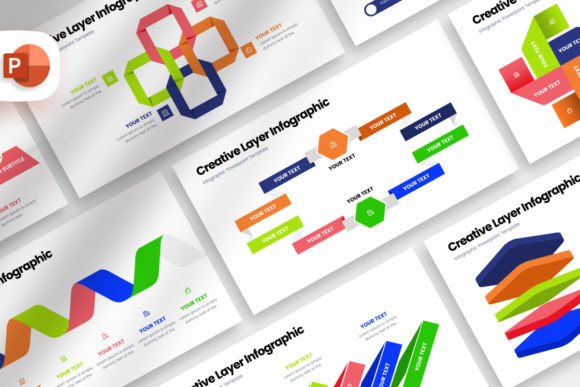
One of the standout characteristics of the Creative Layer Infographic Presentation is its modern aesthetic. It avoids cluttered backgrounds and outdated design tropes, opting instead for clean lines and balanced compositions. This visual personality is professional yet approachable, making it suitable for corporate environments and creative agencies alike. The style relies heavily on geometric shapes and intuitive color coding to guide the viewer’s eye from one point to the next. It creates a visual hierarchy that is easy to follow, ensuring that key data points do not get lost in the noise.
The true power of this template lies in its construction. Every element within the file is vector-based. In practical terms, this means you have infinite scalability. You can resize a chart, an icon, or a diagram without losing a single pixel of quality. This is crucial for brand identity consistency. Furthermore, because the shapes are vectors, color customization is effortless. If your brand guidelines require a specific hex code for marketing materials, you can apply that color globally or to individual elements in seconds. This flexibility turns a generic template into a bespoke design asset that feels like it was made specifically for your company.
Practical Applications for Professionals
Who stands to gain the most from the Creative Layer Infographic Presentation? The applications are vast. For entrepreneurs and small business owners, this template is a lifeline during investor pitches. Instead of struggling with alignment and layout in standard software, the drag-and-drop master slides allow you to drop in your product photos or team headshots instantly. The structure forces you to be concise, which is often a benefit when speaking to busy stakeholders.
For marketers and content creators, the asset serves as a foundation for social media graphics. A single slide can be exported as an Instagram carousel or a LinkedIn infographic, extending the life of your content. Bloggers and publishers can use specific slides to summarize long-form articles, improving reader retention and shareability. The template includes 35 unique slides, offering a variety of layouts for timelines, statistical breakdowns, team introductions, and process flows. This variety ensures that you can tell a different story every time without repeating visual formats.
Even for internal use, the value is undeniable. Designers can use it to present mood boards or project timelines to clients, while HR departments can streamline the onboarding process. The 16x9 HD ratio ensures it looks crisp on projectors, monitors, and tablets. Because it does not require graphic skills, it democratizes the design process, allowing anyone in the organization to produce professional-grade visuals.
Structuring Your Workflow
Time is a finite resource, and the Creative Layer Infographic Presentation respects that reality. The workflow is streamlined to minimize technical headaches. The use of master slides is a significant feature here. By utilizing the drag-and-drop functionality for image uploads, you bypass the tedious process of resizing and cropping photos manually. The template handles the framing, ensuring your images fit the designated placeholders perfectly.
Readability is another core consideration. The template uses modern typography principles, pairing distinct sans serif fonts for headers with legible text styles for body copy. The fonts used are free, eliminating the need to purchase expensive premium font licenses just to render the file correctly. This attention to practical details ensures that the final output is not only beautiful but also accessible. The text remains legible whether viewed on a high-definition screen or printed on paper, making it a versatile tool for both digital and print projects.
Finalizing Your Visual Strategy
When evaluating this template for your needs, consider the narrative arc of your presentation. Do you need to show growth over time? Look for the timeline slides. Do you need to compare metrics? The chart slides will be your primary tool. The Creative Layer Infographic Presentation is designed to be modular. You do not need to use all 35 slides; rather, you should curate the ones that best serve your specific data set.
Ultimately, this asset bridges the gap between raw data and audience understanding. It provides a professional scaffold that elevates your content, ensuring that your ideas are not just seen, but understood. For the busy professional, it is a practical investment in clearer communication.